
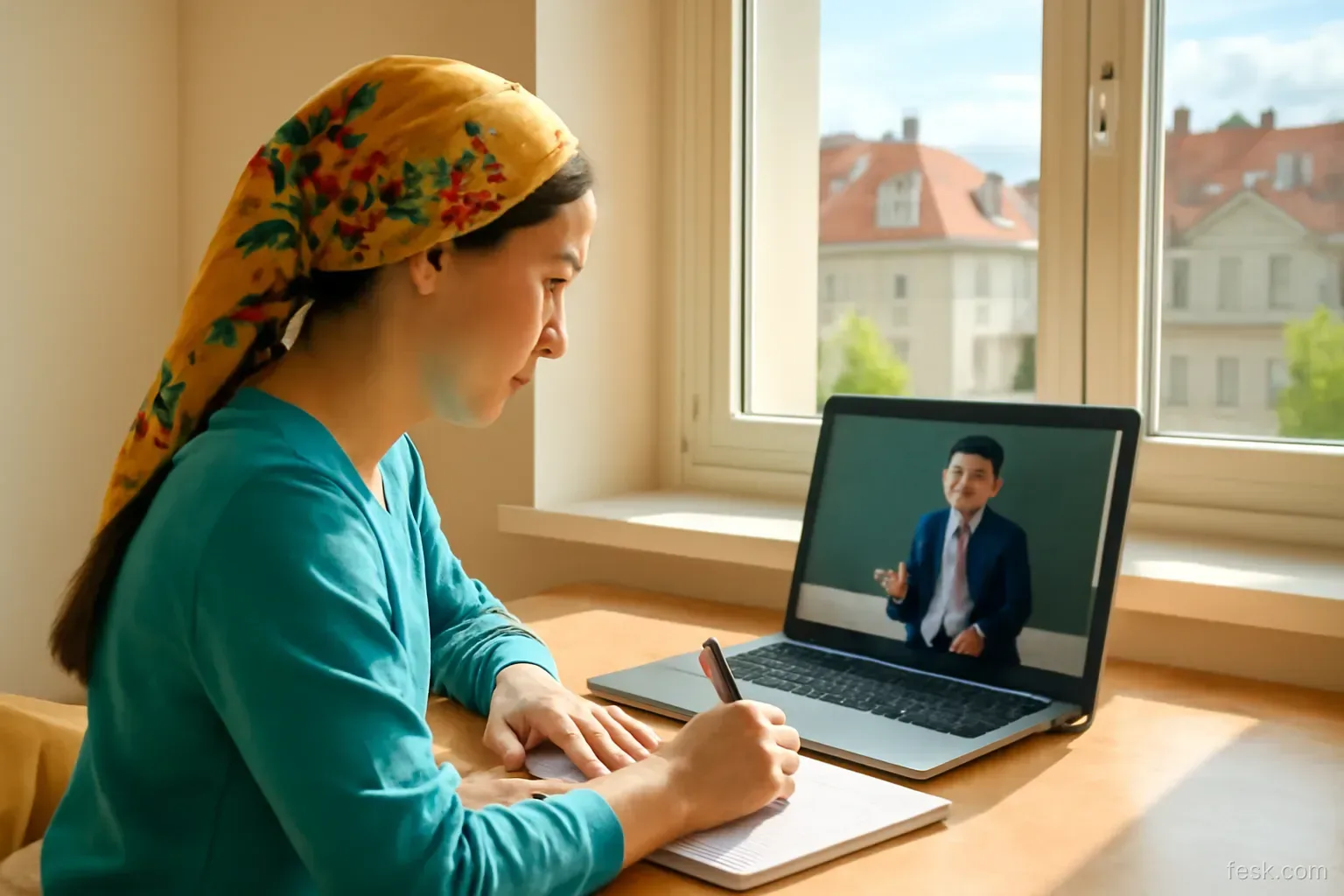
The night before the exam, a student opens a list of twelve unwatched lecture recordings, sets playback to 2x and does the arithmetic: twelve videos, ninety minutes each, nine hours. He watches until nearly dawn, nodding along to a lecturer who now sounds like a fast-forwarded tape, and walks into the exam feeling he has “covered” the course. The result does not match the feeling.
Recorded lectures are a powerful learning tool: pause, rewind, watch anywhere. But those same features create new forms of passive study. This article covers the three decisions that determine what a video is worth: what speed, how to use the pause button, and when to watch.
Playback speed: choose by difficulty, not by time
Listeners can follow speech considerably faster than normal lecturing pace, because many lecturers speak more slowly than students can comprehend. A moderate speed-up for a slow lecture on material you already have some grounding in usually costs little.
The catch is that keeping up with the words is not the same as processing the ideas. With new, concept-dense content that requires step-by-step reasoning, high speed removes the pauses your brain needs to connect new ideas to what it already knows. You hear every sentence and have no room left to think.
| Type of content | Sensible speed | Note |
|---|---|---|
| Introductions, recaps, admin announcements | Fast | Skim or skip |
| Familiar material, slow speaker | Moderately fast | Pause when something new appears |
| New concepts, multi-step arguments | Normal | Pause often to self-explain |
| Worked examples, proofs, live coding | Normal or slower | Pause before each step to predict |
If you can only “keep up” at 2x, the problem is usually your schedule, not the speed.
The pause button: the most powerful, least used tool
In a live lecture you cannot ask the lecturer to stop so you can think. With a recording you can. Yet most viewers pause only to copy notes. Three more valuable uses:
- Pause to predict. Before the lecturer solves the next step or states a conclusion, pause and guess. Right or wrong, you will remember that step better.
- Pause to recall. At the end of each ten-minute segment, pause and, without looking at your notes, say or write the three main points.
- Pause to log a question. Where you get lost, note the timestamp and a specific question to ask or look up later, instead of rewinding aimlessly.
The rewatching trap
Rewatching a whole video works very much like rereading a textbook: everything becomes familiar, the feeling of understanding grows, but your ability to recall the material grows slowly. It also takes longer than rereading, because you cannot skim past known sections as quickly as with text.
Instead of rewatching everything, recall first, rewind second: write down what you remember about the lecture, then reopen only the parts you could not recall. The timestamps you noted the first time make this much faster.
Scheduling: do not let videos pile up
Recorded lectures make skipping class feel safe: “I’ll watch it later.” In practice, “later” often means the week before the exam. Three things then happen at once: the volume forces you to speed up, there is no time to pause and think, and there is no spacing between encounters with the material, which is what makes memory durable.
- Set fixed viewing slots close to the original class time, as if it were still a live lecture.
- Never let more than one video per course build up. Two in the backlog is a signal to rearrange your week.
- Watch with a friend when possible, agreeing a time and pausing to quiz each other.
Captions and transcripts: when to use them
Captions help a great deal when the lecture is in a second language, when the lecturer’s accent is unfamiliar or when technical terms are hard to catch. Auto-generated transcripts are handy for finding a passage by keyword. But do not turn watching into reading captions nonstop while missing the diagrams and equations on the slides: your eyes can only be in one place. For visual-heavy content, turn captions off on the first viewing if you can follow the audio, and use the transcript for lookups later.
For international students studying in English, one useful approach is to watch a difficult segment once with captions to get the gist, then replay just that segment without them to train your ear for the terminology. Do it for short segments, not whole lectures.
Open online courses: why people drop out
Massive open online courses are known for low completion rates. The reason is rarely difficult content; it is the lack of deadlines, the lack of anyone to answer to, and the habit of watching several videos without doing the exercises. To counter it:
- Do the quiz straight after each video, before starting the next one.
- Choose two or three fixed sessions a week and block them in your calendar like work.
- Write one line after each session: what can I do now that I could not do before?
In practice: a routine for a 60-minute recording
- Two minutes before: read the title and first slide, and write two questions you expect the lecture to answer.
- Watch in ten-minute segments: speed according to the table above, pausing to predict before key steps.
- End of each segment: pause for a minute, say or write three main points, and note timestamps of hard parts.
- After the video, 10 minutes: without notes, write the lecture’s outline and answer your two opening questions.
- Two days later, 10 minutes: recall again, rewinding only the marked sections.
It takes longer than watching straight through at 2x, but afterwards you genuinely carry the lecture with you.
Open your backlog of unwatched recordings for this term right now, add up the hours and spread them across fixed sessions over the next two weeks. If the total surprises you, you have just avoided a night of 2x viewing before the exam.
Câu hỏi thường gặp
Does watching lectures at 2x speed hurt understanding?
For slow speakers and familiar material, moderate speed-ups usually do little obvious harm. For new, concept-dense content or lecturers who already talk fast, high speed lets you follow the words without processing the ideas. Choose speed by difficulty, not by the time you want to save.
Is it fine to skip lectures because they are recorded?
It can be, if you genuinely watch on schedule and watch actively. Many students skip and then leave the videos until the end of term, when the volume is too large to watch well.
Does rewatching lecture videos help memory?
Rewatching works much like rereading: it builds familiarity but does little for long-term recall. Watching once actively, then recalling and rewinding only the parts you could not remember, is more effective.
Should I transcribe lectures while watching?
No. The pause button makes word-for-word copying too easy. Note the main ideas in your own words and mark timestamps of difficult sections to return to.
How do I finish an online course without dropping out?
Schedule it like a class, study with a friend if possible, and do the quiz or exercise straight after each video instead of watching several in a row.